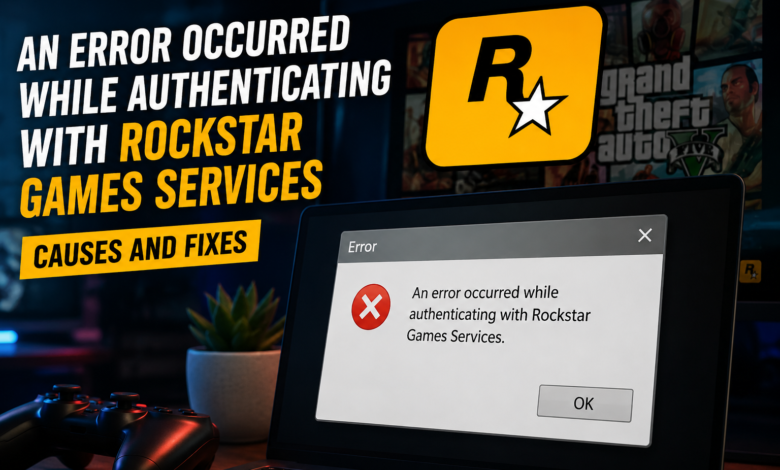
An Error Occurred While Authenticating with Rockstar Games Services
How to Fix “An Error Occurred While Authenticating with Rockstar Games Services”

How to Fix “An Error Occurred While Authenticating with Rockstar Games Services”
Many players encounter the message “An Error Occurred While Authenticating with Rockstar Games Services” when trying to access GTA Online, Red Dead Online, or other Rockstar titles. This issue can prevent users from logging in, connecting to online servers, or accessing game-related features. While the error may seem frustrating, it is usually caused by temporary connectivity problems, server outages, or account authentication issues.
Why This Error Happens
Authentication is the process that verifies your account credentials before granting access to Rockstar’s online services. When this process fails, the launcher or game client cannot establish a secure connection with Rockstar’s servers.
Several factors can trigger this problem:
- Temporary Rockstar server maintenance
- Unstable internet connection
- Corrupted launcher cache files
- Firewall or antivirus interference
- Outdated Rockstar Games Launcher
- Network configuration issues
Understanding the root cause can help you apply the correct solution more quickly.
Check Rockstar Server Status
Before making changes to your system, verify whether Rockstar’s servers are operational. Service disruptions, maintenance periods, or unexpected outages can temporarily prevent account authentication.
If the servers are experiencing issues, the best option is to wait until Rockstar resolves the problem.
Restart Your Internet Connection
Network interruptions often cause authentication failures.
- Power off your modem and router for a short period, then turn them back on to establish a new network connection.
Steps to follow:
- Turn off your router and modem.
- Wait for approximately 30 seconds.
- Turn the devices back on.
- Launch the game again and attempt to sign in.
A fresh network connection can often resolve temporary communication issues.
Clear Rockstar Launcher Cache
Corrupted cache files may interfere with the authentication process. Removing cached launcher data allows the software to rebuild essential temporary files the next time it launches.
After removing cached data, restart the Rockstar Games Launcher and attempt to log in again.
Update the Rockstar Games Launcher
Using an outdated launcher version can create compatibility problems with Rockstar’s authentication systems.
Make sure you are running the latest version of the launcher. Updates often include bug fixes, security improvements, and connectivity enhancements that may resolve login-related errors.
Temporarily Disable Security Software
In some cases, antivirus programs or firewalls mistakenly block launcher communications.
You can temporarily disable these applications to determine whether they are causing the problem. If the error disappears, add the Rockstar Games Launcher to your security software’s exclusion list before re-enabling protection.
Change DNS Settings
DNS-related issues may prevent your device from connecting to Rockstar services correctly.
Many users report improved connectivity after switching to public DNS providers such as:
- Google DNS
- 8.8.8.8
- 8.8.4.4
- Cloudflare DNS
- 1.1.1.1
- 1.0.0.1
After changing DNS settings, restart your computer and test the connection again.
Verify Game Files
Missing or damaged game files can occasionally trigger authentication issues. Most launchers provide a file verification feature that scans and repairs corrupted files automatically.
Running a verification check can eliminate software-related causes of the error.
Contact Rockstar Support
If none of the above solutions work, the issue may be linked to your account or a more complex technical problem. Contact Rockstar Support and provide details such as:
- The exact error message
- Your platform (PC, PlayStation, or Xbox)
- Steps already attempted
- Screenshots of the error
This information can help support agents identify the cause more efficiently.
Final Thoughts
The “An Error Occurred While Authenticating with Rockstar Games Services” message is usually related to server connectivity, launcher problems, or network configuration issues. In most situations, checking server status, refreshing your internet connection, updating the launcher, and clearing cache files can restore access quickly. By following these troubleshooting methods, players can return to their favorite Rockstar games with minimal downtime.